Last updated: February 26, 2026
Introduction
BukaTime LLC ("we," "our," or "us") respects your privacy and is committed to protecting your personal data. This privacy policy explains how we collect, use, and safeguard your information when you use our scheduling platform and services.
Information We Collect
We collect information you provide directly to us, including:
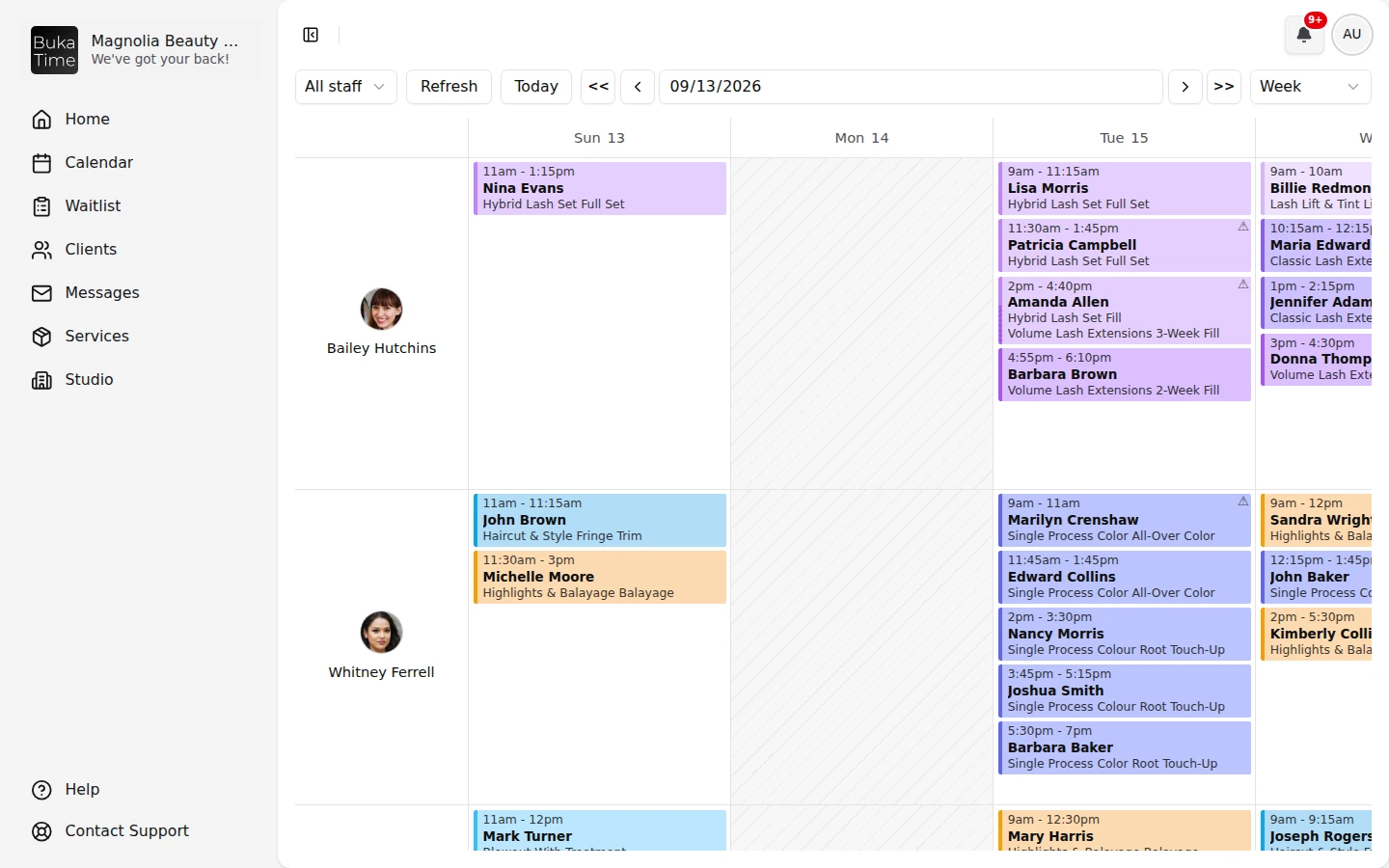
- Account information (name, email address, phone number)
- Business information (business name, services offered, pricing)
- Calendar and scheduling data
- Client information you add to the platform
- Payment information (processed securely through third-party providers)
How We Use Your Information
We use your information to:
- Provide, maintain, and improve our services
- Send appointment reminders and notifications
- Process transactions and send related information
- Respond to your comments, questions, and requests
- Send promotional communications (with your consent)
Information Sharing
We do not sell your personal information. We may share your information with:
- Service providers who assist in our operations
- Professional advisors (lawyers, accountants) as needed
- Law enforcement when required by law
SMS and Mobile Data
No mobile information will be shared with third parties or affiliates for marketing or promotional purposes.
Text messaging originator opt-in data and consent will not be shared with any third parties.
By providing your mobile number and opting in, you consent to receive recurring SMS messages from BukaTime related to appointments, account activity, and service updates. Message frequency varies. Message and data rates may apply.
You can opt out at any time by replying STOP. Reply HELP for support. Consent to receive SMS messages is not a condition of purchase.
Anonymized Data and AI Training
We may use anonymized and aggregated data derived from your use of the platform to improve our services, including training artificial intelligence and machine learning models. This data is stripped of all personally identifiable information and cannot be traced back to you or your clients.
Anonymized data may be used to:
- Improve scheduling algorithms and recommendations
- Enhance our AI booking assistant features
- Develop new product features and services
- Generate industry insights and analytics
You may opt out of AI training data usage by contacting us. Opting out will not affect your access to core platform features.
Data Security
We implement appropriate technical and organizational measures to protect your personal data against unauthorized access, alteration, disclosure, or destruction.
Your Rights
Depending on your location, you may have rights to:
- Access your personal data
- Correct inaccurate data
- Request deletion of your data
- Object to or restrict processing
- Data portability
To submit a delete account request or a "forget me" (data erasure) request, please contact us and include your account email and business name so we can verify your identity.
What we delete: Once your request is verified, we permanently delete your account and associated personal data, including your profile, the staff and client contact details you have stored, appointment and booking history, messages, and login credentials. This cannot be undone.
What we retain, and for how long: We may keep a limited set of records where the law requires it or where we have a legitimate business need, including invoices and payment or transaction records needed for tax, accounting, and financial-compliance obligations. These are kept only for the period required by applicable law and are then deleted. We may also retain anonymized or aggregated data that no longer identifies you. Records held by our payment processor (Stripe) are governed by their own retention terms.
Timeframe: We process verified deletion requests without undue delay, normally within 30 days.
Cookies
We use essential cookies to ensure our platform functions correctly. We may also use analytics cookies to understand how visitors interact with our website.
Changes to This Policy
We may update this privacy policy from time to time. We will notify you of any changes by posting the new policy on this page and updating the "Last updated" date.
Contact Us
If you have questions about this privacy policy or our practices, please contact us.
BukaTime LLC
North Carolina, USA